
Say it your way
Text, voice notes, GIFs and round videos. From a quick hello to the next big idea.
Lummia / On the same wavelength


 For teams, friends and shared ideas
Conversations that lead somewhere. Chats, calls and meetings in Lummia, for your team and the people who matter.
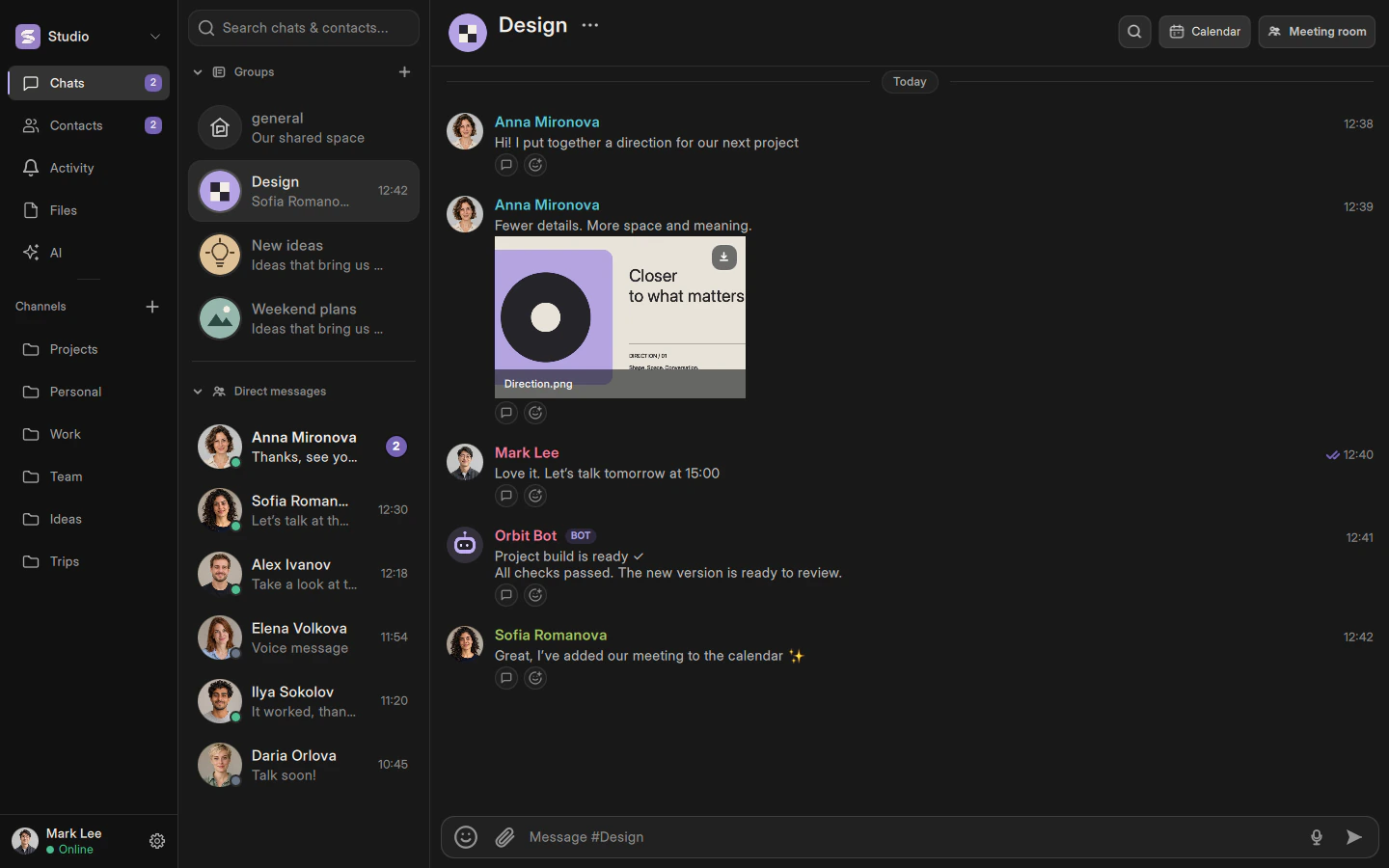
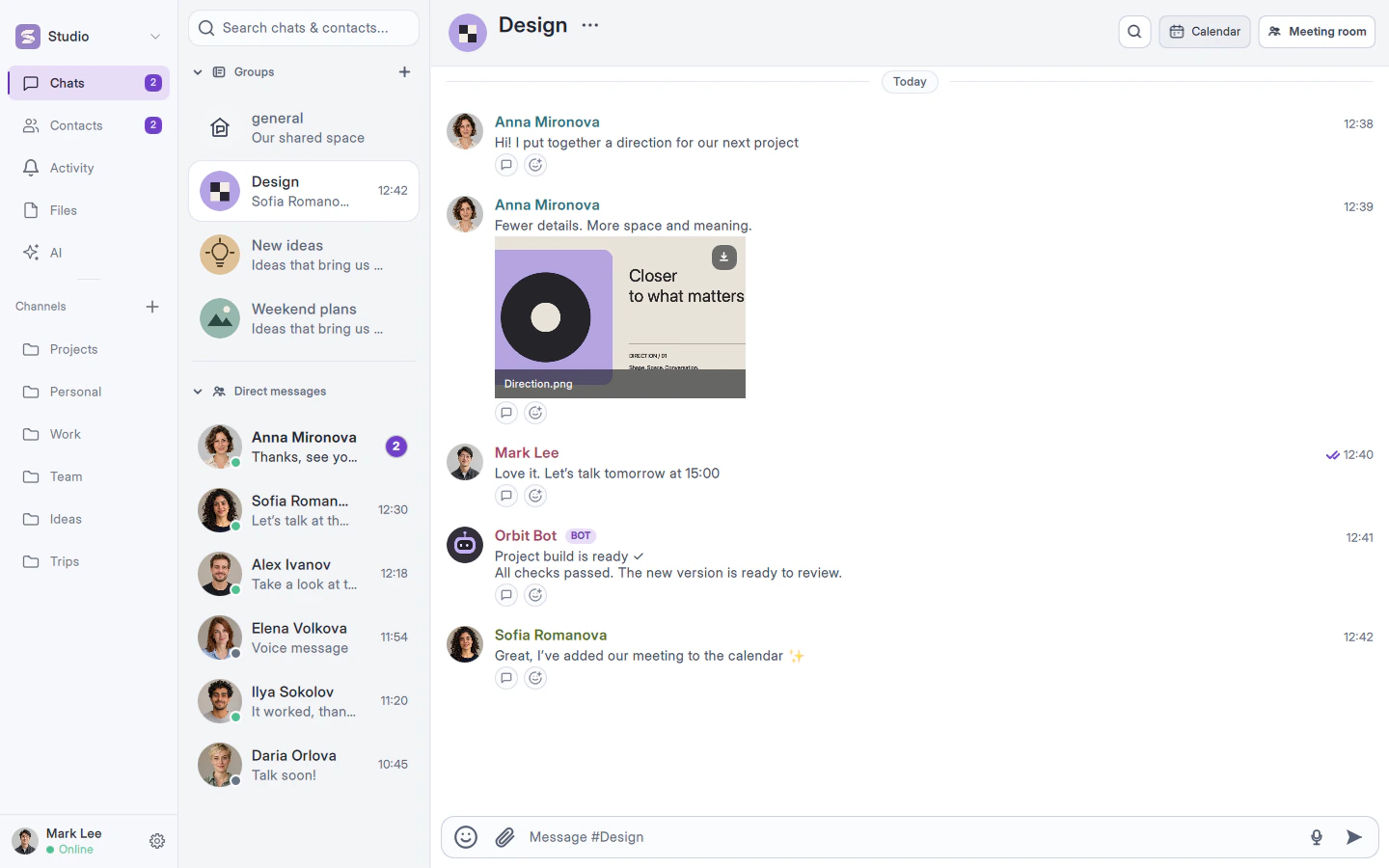
Text, voice notes, GIFs and round videos. From a quick hello to the next big idea.
Voice, video, screen sharing and on-screen annotations. When showing is easier than typing.
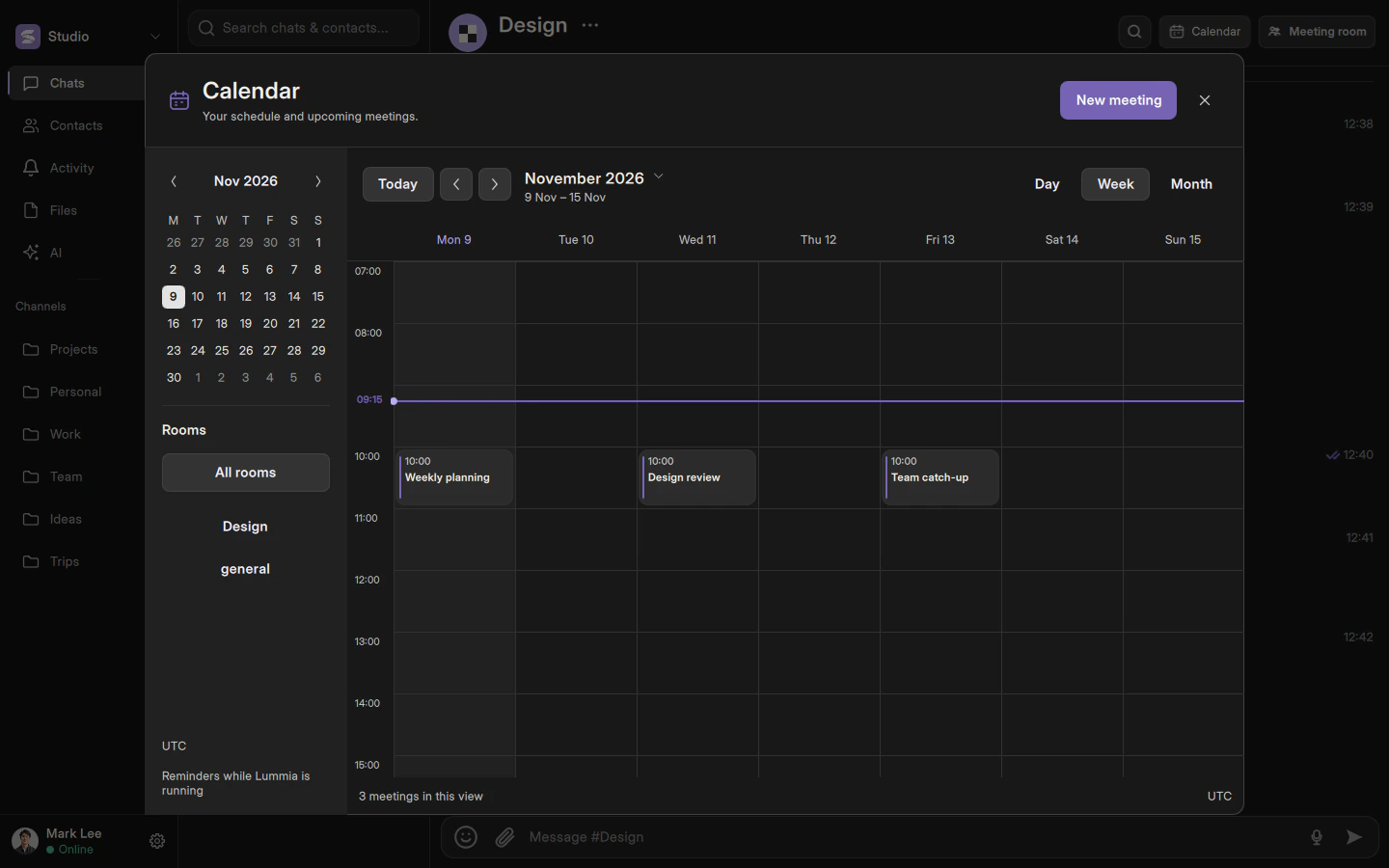
A calendar, meeting rooms and reminders. Your next conversation is already in the plans.

Conversations, plans and your own spaces
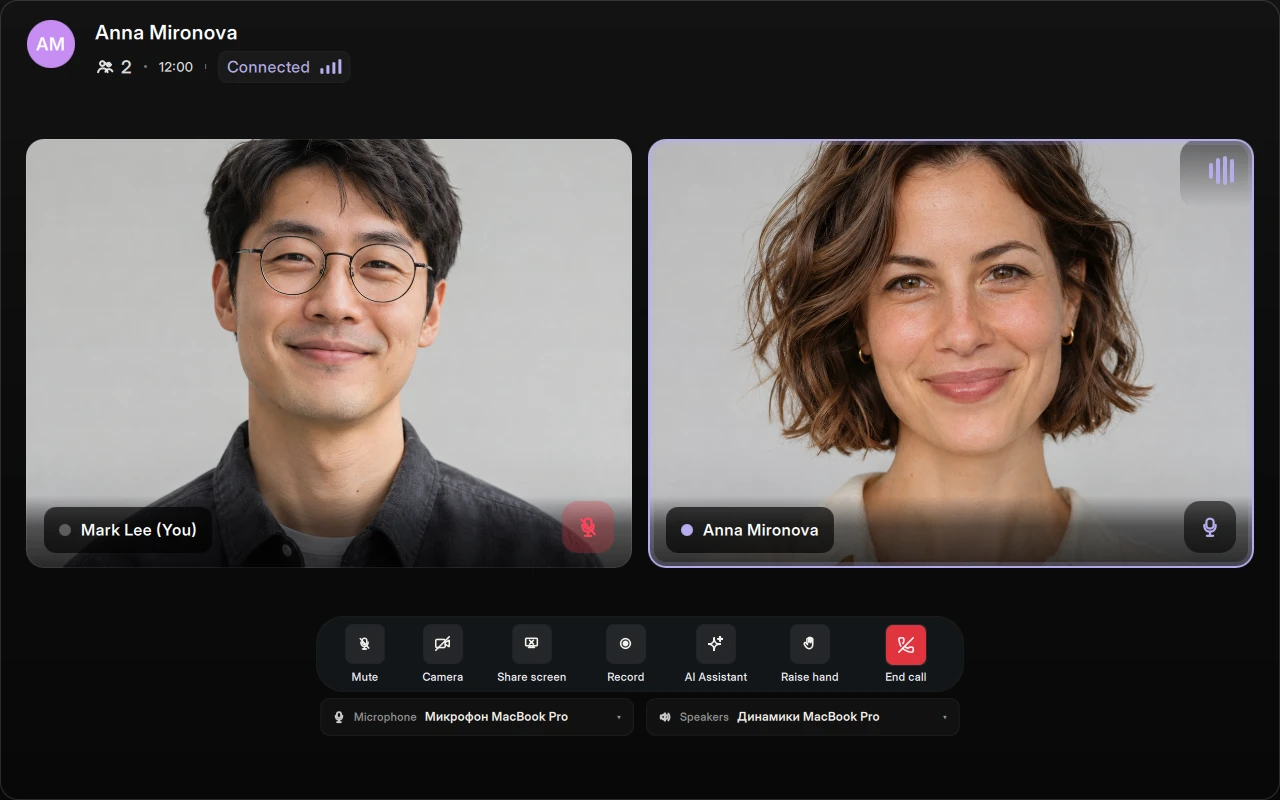
Hear. See. Understand.
From a one-to-one conversation to a team meeting. Video, voice and screen sharing, right beside your chats.
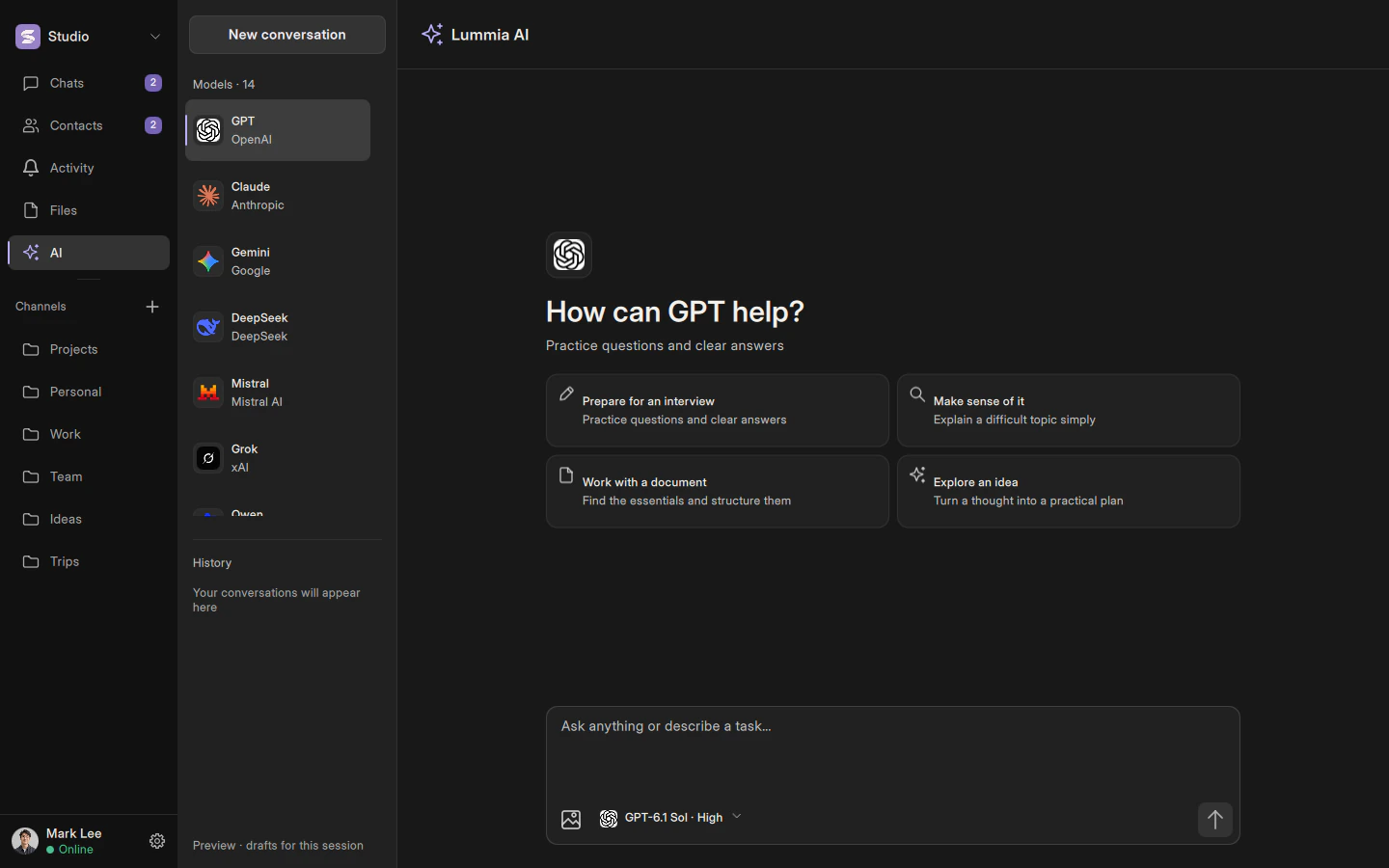
We're creating a dedicated AI space: different models and versions, conversation history and images, together in Lummia.
 GPT
 Claude
 Gemini
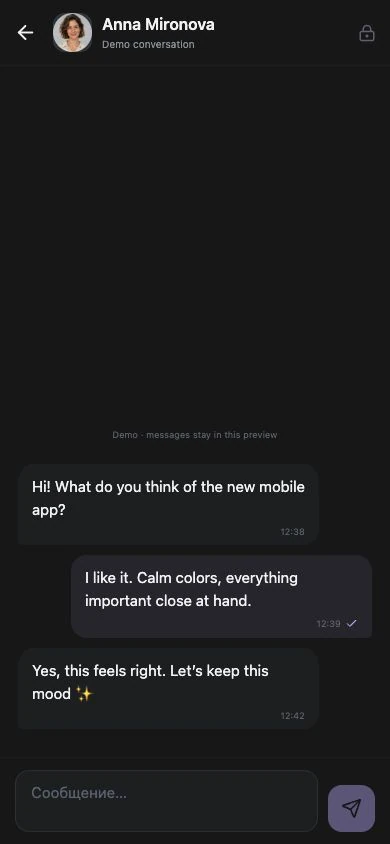
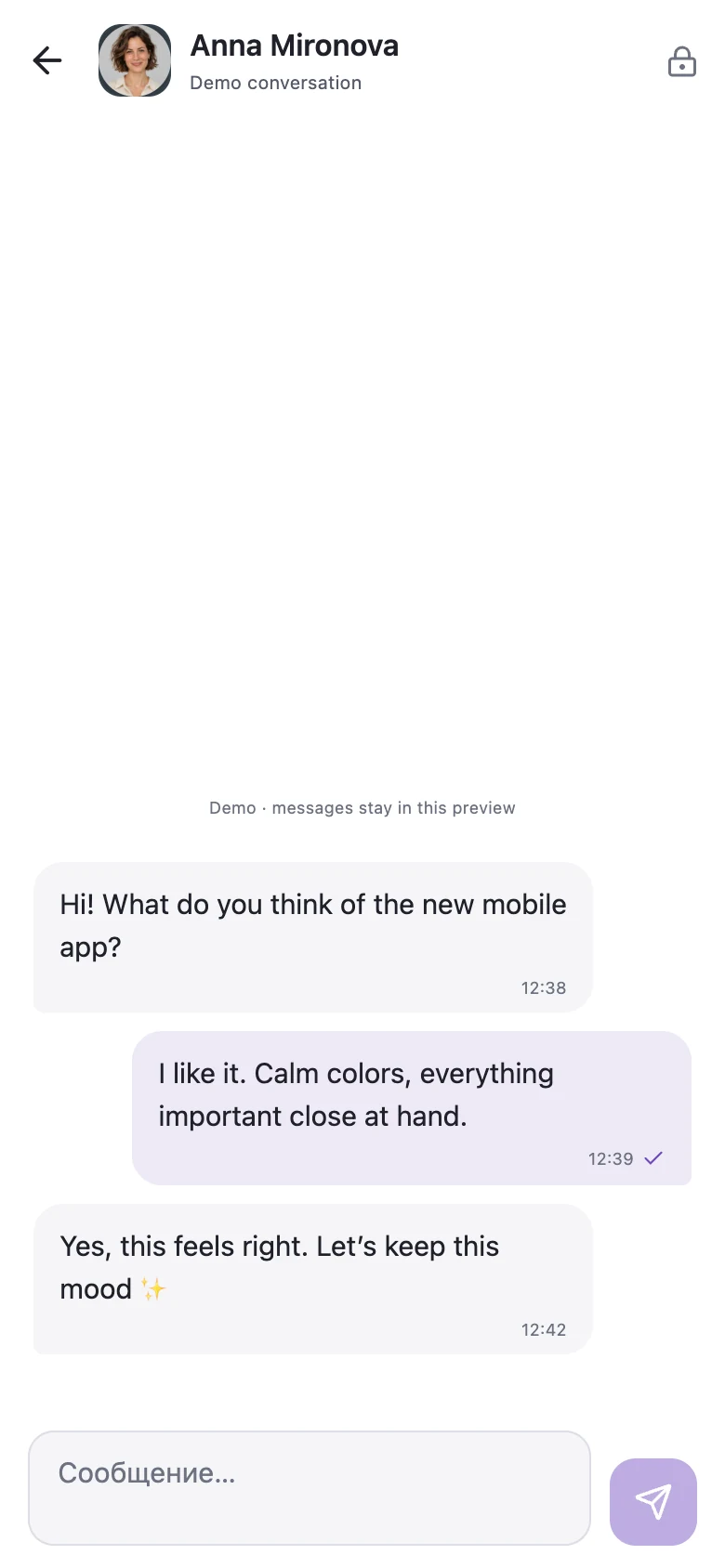
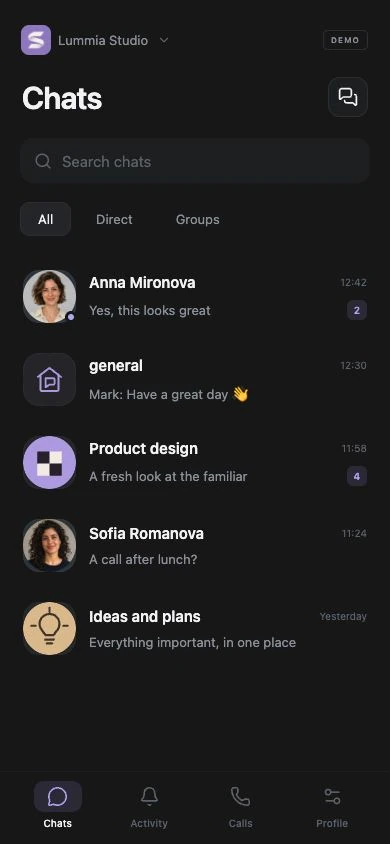
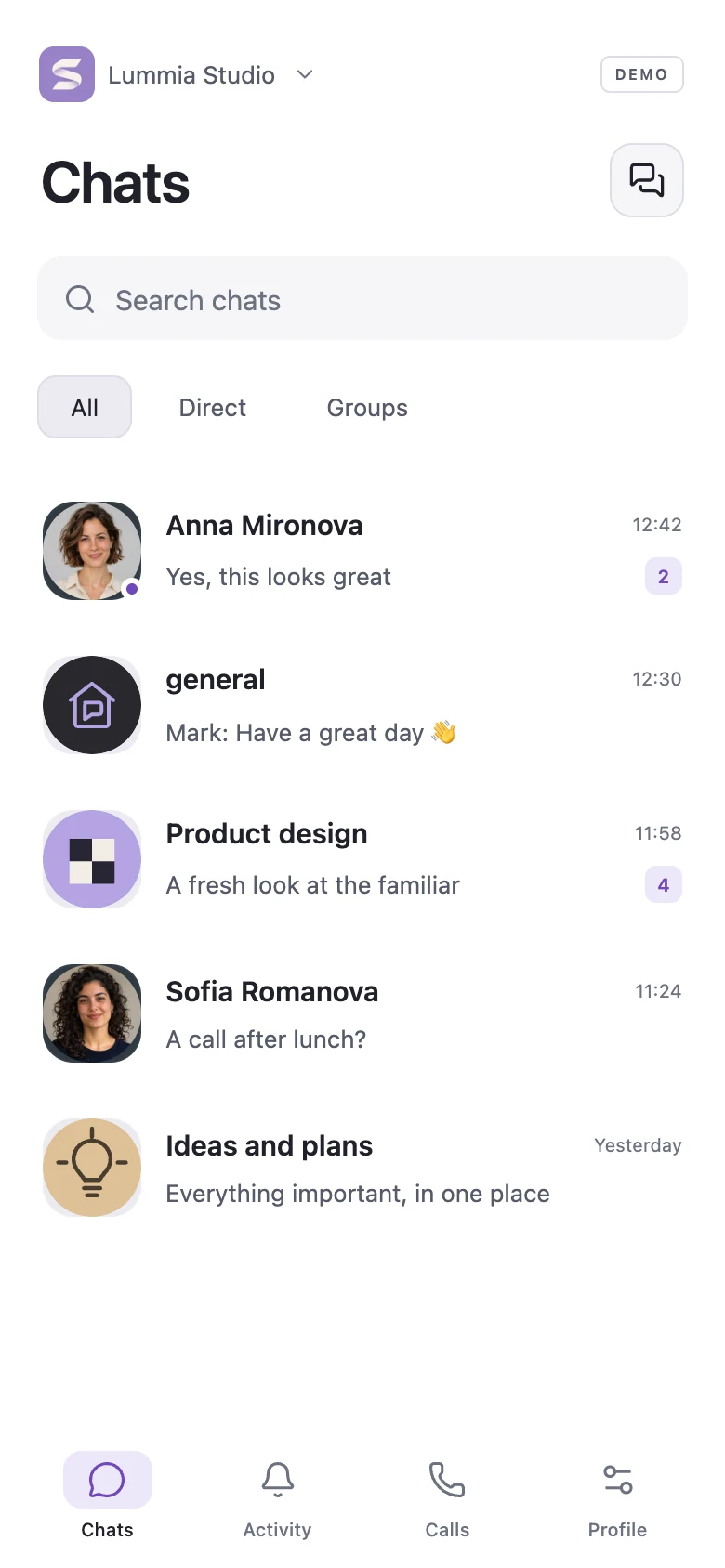
Lummia for iPhone and Android
We're bringing Lummia to iPhone and Android. Pick up a conversation on the way, share a thought on the go and stay close, wherever you are.
Messages and attachments are encrypted before sending. The server stores encrypted content.
Private groups are available to their members. Workspace admin status doesn't unlock other people's conversations.
Calls use LiveKit transport encryption. Key storage and service metadata are explained in the docs.
Documentation and technology
A native app. Live connections. Client-side encryption. Explore how Lummia works and how to make it yours.
Desktop apps are available for macOS, Windows and Linux. iPhone and Android versions are in development.
Download the app, sign in with Google and choose a unique username. A phone number and birthday are optional. Teams can use workspaces and invitation links.
Lummia is currently free to use. Paid features are planned, but subscriptions aren't available on the site yet.
Signing in again doesn't, by itself, recover lost keys or old encrypted history. Read the privacy and devices guide before reinstalling.
